
WordPress Troubleshooting Guides
Long-form, plain-English fixes for the WordPress problems that take sites offline. Every guide explains what's happening, why, and the exact steps to resolve it, backed by real recovery experience.
 Featured
403 Forbidden Error in WordPress: How to Fix It
A 403 means the server received your request, understood it, and refused it. On WordPress that refusal nearly always comes from a broken .htaccess rule, wrong file permissions, or a security plugin. Here is how to find which one.
Latest Guides
36 more Updates
Another Update Is Currently in Progress in WordPress: Fix
WordPress locks updates so two never run at the same time. When an update dies halfway, the lock never clears and every new update gets refused. Here is how to release it safely.
 Hosting
Best Managed WordPress Hosting for Support: Kinsta vs WP Engine vs SiteGround
Most hosting comparisons rank speed. This one ranks the thing that matters when your site is down: how fast support answers, how usable staging is, and whether the one-click restore actually brings the site back.
 Editor & Publishing
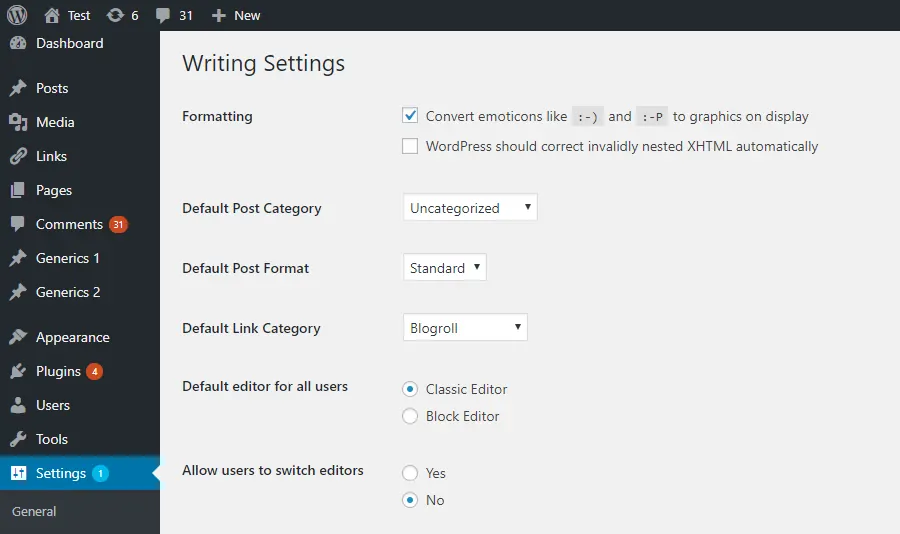
Updating Failed: The Response Is Not a Valid JSON Response (WordPress Fix)
You hit Update, the block editor turns red, and WordPress tells you the response is not a valid JSON response. The post is usually fine. What is broken is the REST API request between the editor and your server. Here is the order I work through it, from permalinks to SSL to the mod_security rule your host will not mention.
 Login & Access
WordPress 'Your Session Has Expired' Keeps Logging You Out? Here's the Real Fix
You are in the middle of editing a post and WordPress throws a 'Your session has expired. Please log in again to continue' banner across the editor. Log back in, and it happens again 15 minutes later. This guide walks through why the session dies so fast, the cookie and cache misconfigurations that trigger it, and the fixes that actually keep you logged in.
 Updates
WordPress Keeps Asking for FTP Credentials? Here's the Actual Fix
You click Install Plugin or Update Now and WordPress throws up a form demanding FTP hostname, username, and password. The prompt is not a security feature, it is a file-permissions symptom. Here is what triggers it, why entering FTP details is the wrong long-term answer, and the two-line fix that stops it for good.
 Critical Errors
Fatal error: Allowed memory size exhausted in WordPress? Here's the real fix
The 'Allowed memory size of X bytes exhausted' fatal is one of the most misdiagnosed WordPress errors. Most guides tell you to bump WP_MEMORY_LIMIT in wp-config.php and call it done. On half the hosts I work with, that line does nothing. Here is what the error actually means, how to find the real memory cap on your host, and how to raise it without hiding a memory leak.
 Scheduling
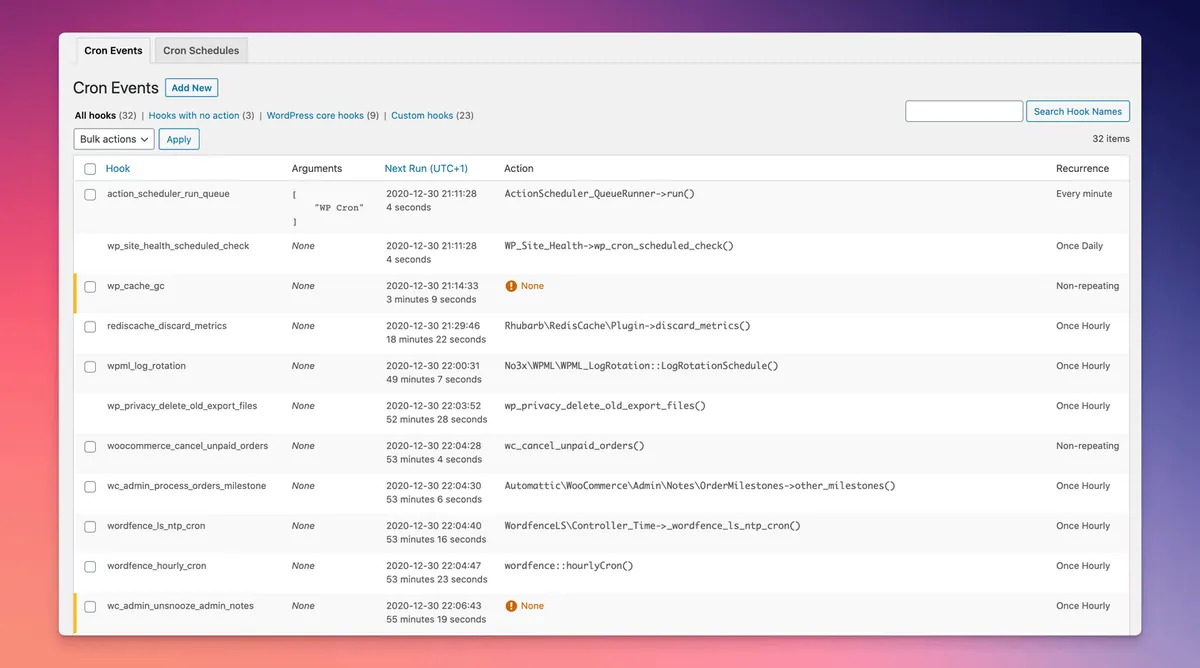
WP-Cron Not Running? How to Fix It and Replace It With a Real Cron Job
Scheduled posts stuck as Missed Schedule, backup plugins that never fire, WooCommerce emails that show up hours late — the culprit is almost always wp-cron. Here is what wp-cron actually does, why it fails, and how I move client sites onto a real server cron in about ten minutes.
 Content Workflow
How to Duplicate a Page or Post in WordPress (2026 Guide)
Cloning a page in WordPress should take one click, but the default editor still does not include a Duplicate button in 2026. Here are the three methods I use on client sites, from a free plugin to a code snippet and a manual copy that works when nothing else does.
 Media
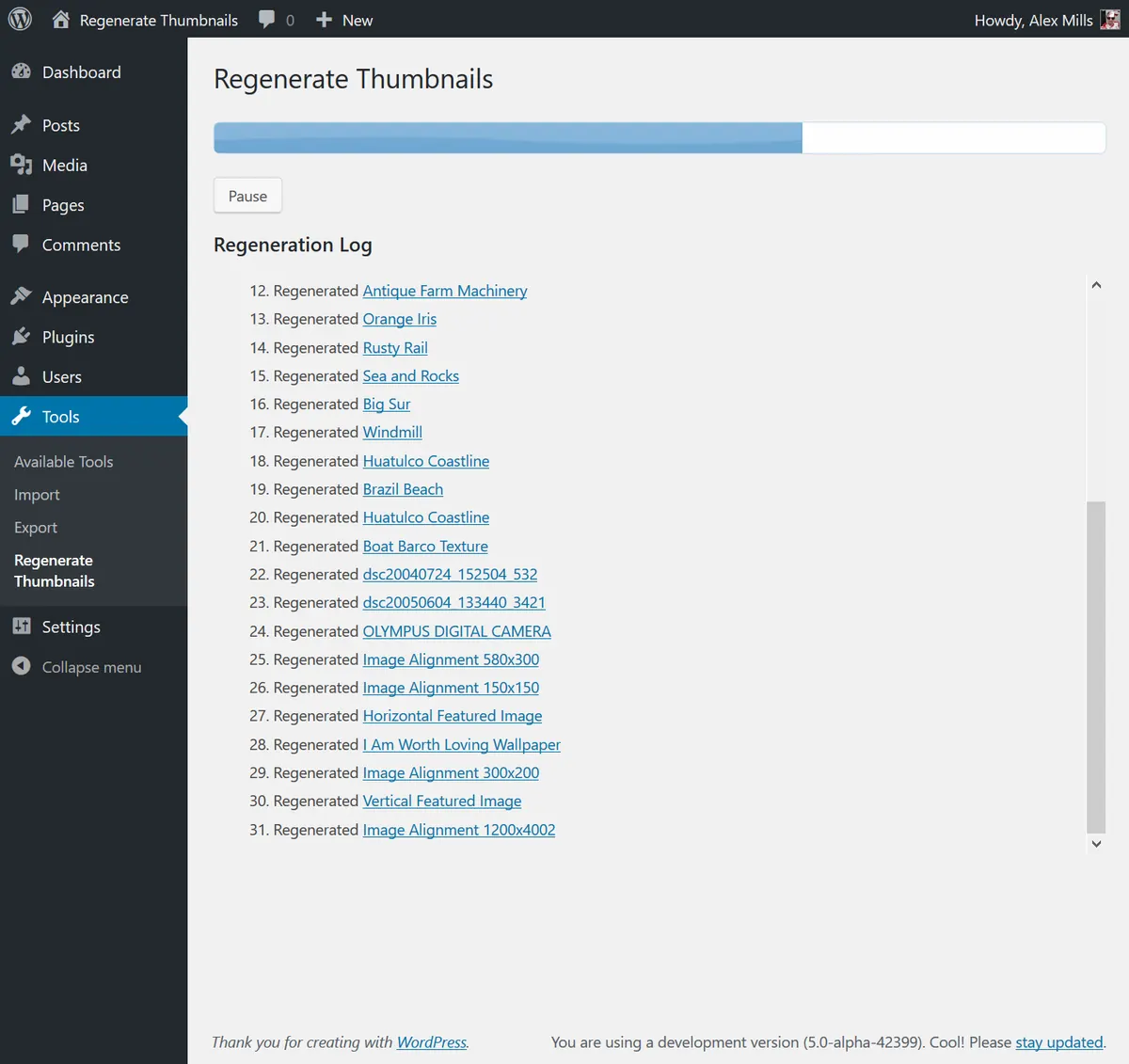
MediaWordPress Featured Image Not Showing: How to Fix It in 2026
You set a featured image, save the post, and the thumbnail is nowhere on the site. Here is the exact order I check it on client sites, from a theme support toggle to the deeper permissions and CDN fixes that solve the stubborn cases.
 Page Builders
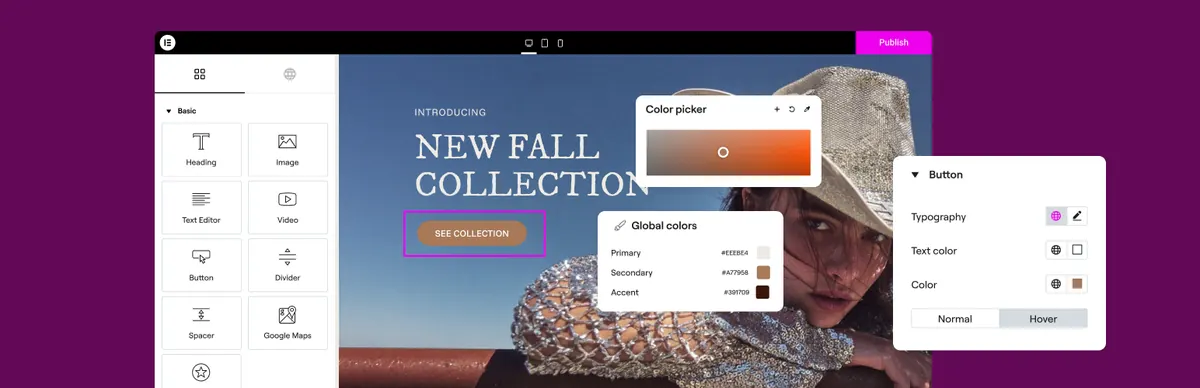
Elementor Not Loading: Fix the Spinning Editor and Blank Preview in 2026
Elementor editor stuck on the loading spinner or the preview pane refusing to render? Here is the exact order I work through it, from a 30-second cache flush to the deeper plugin and server fixes that solve the stubborn cases.
 URLs & Redirects
WordPress Permalinks Not Working: Fix 404 Errors on Posts and Pages
Posts returning 404 after a migration, host move, or plugin update? Here is the full sequence I use to rebuild permalinks and restore clean URLs without losing SEO.
 Email
EmailWordPress Not Sending Email: Fix Contact Forms and Notifications for Good
Contact form submissions disappearing? Password resets never arriving? Here is the real reason WordPress emails fail and the SMTP setup that actually works.
 Media
MediaHow to Increase Maximum Upload File Size in WordPress (Every Working Method)
Hitting the 'exceeds the maximum upload size for this site' error? Here is every method that actually works, in the order I try them on client sites.
 Performance
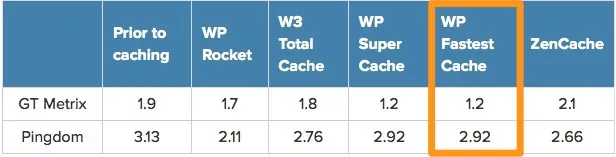
WordPress Changes Not Showing? Why Edits Disappear and How to Force a Refresh
You hit Update, reload, and the page is identical. Here are every cache layer that hides your edits and how to clear them in order.
 SSL & Redirects
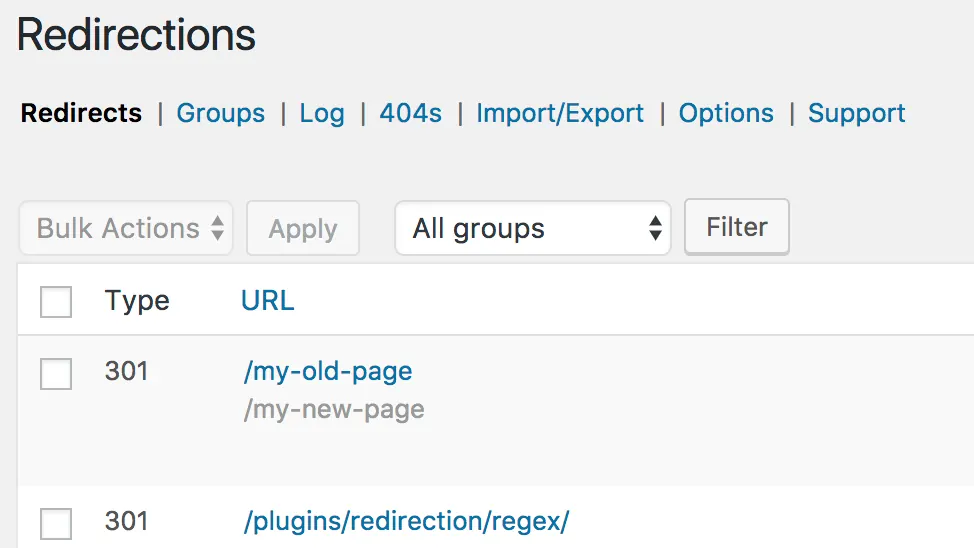
ERR_TOO_MANY_REDIRECTS in WordPress: How to Stop the Redirect Loop
Browser stuck bouncing between URLs with ERR_TOO_MANY_REDIRECTS? Here is the exact order I use on client sites to find the loop and stop it for good.
 Site Features
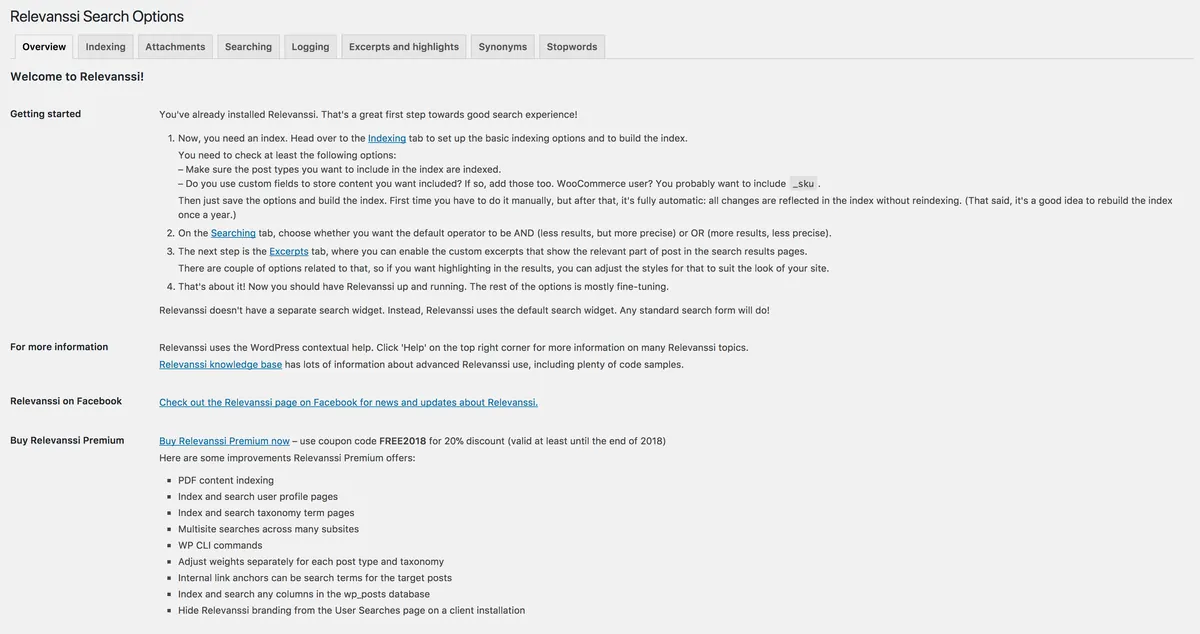
WordPress Search Not Returning Results: How to Fix It
The built-in WordPress search returns no results, wrong results, or only old posts. Here is the actual fix, with no plugin spam.
 Server Errors
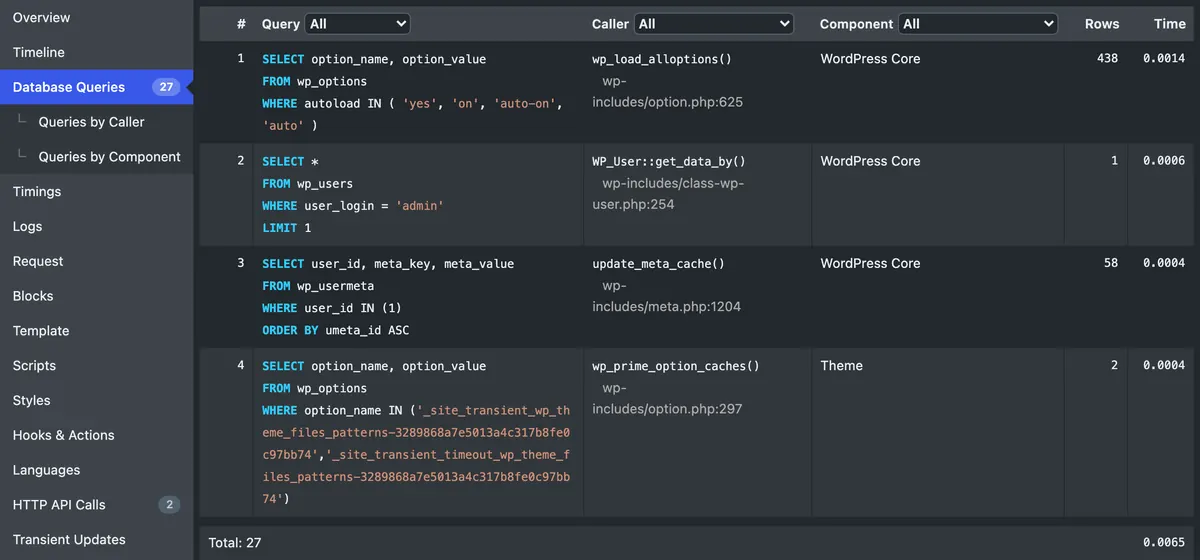
WordPress 502 Bad Gateway Error: How to Diagnose and Fix It
A 502 is your web server telling you PHP-FPM or the upstream stopped responding. Here is the exact order I check on a real WordPress site.
 Media
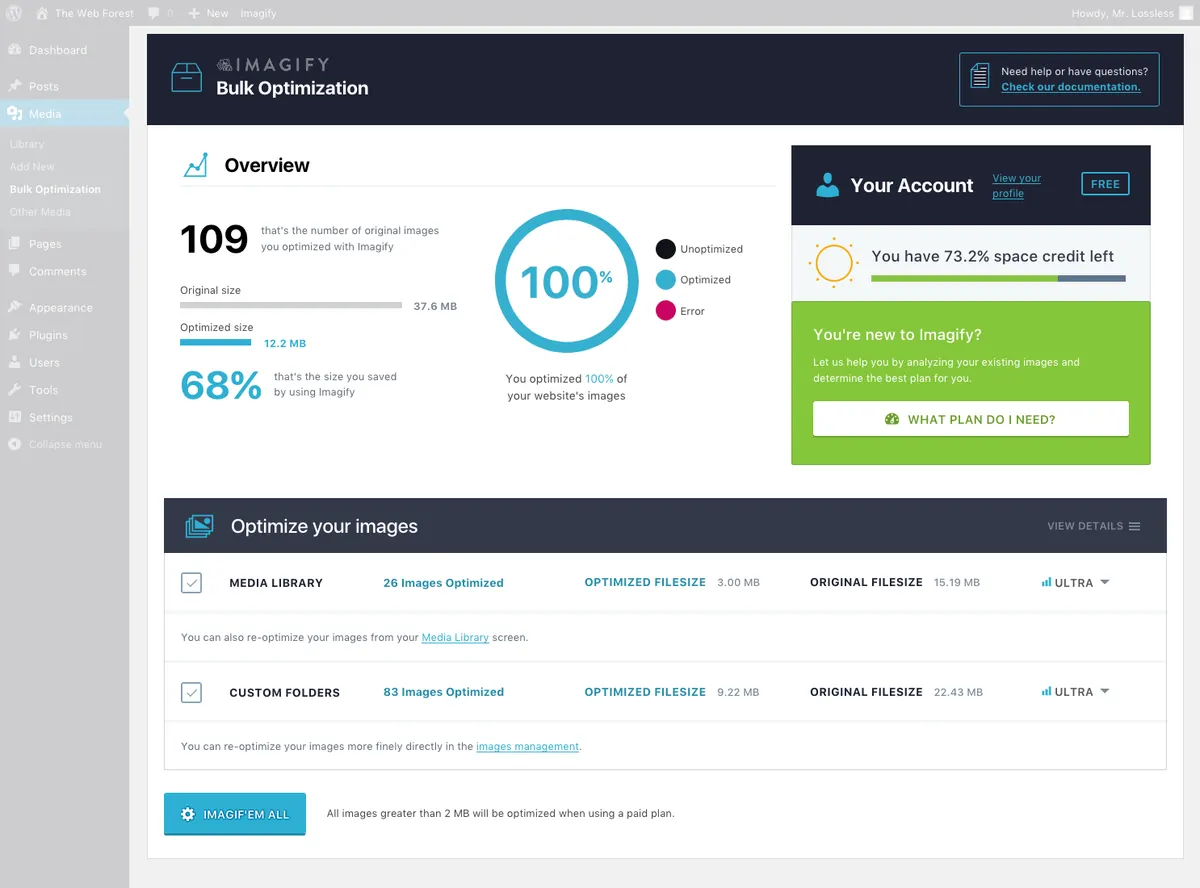
MediaWordPress HTTP Error When Uploading Images: The Real Fix
The vague 'HTTP error' on the media uploader has four real causes. Here is how I diagnose and fix it on client sites in under 10 minutes.
 Updates
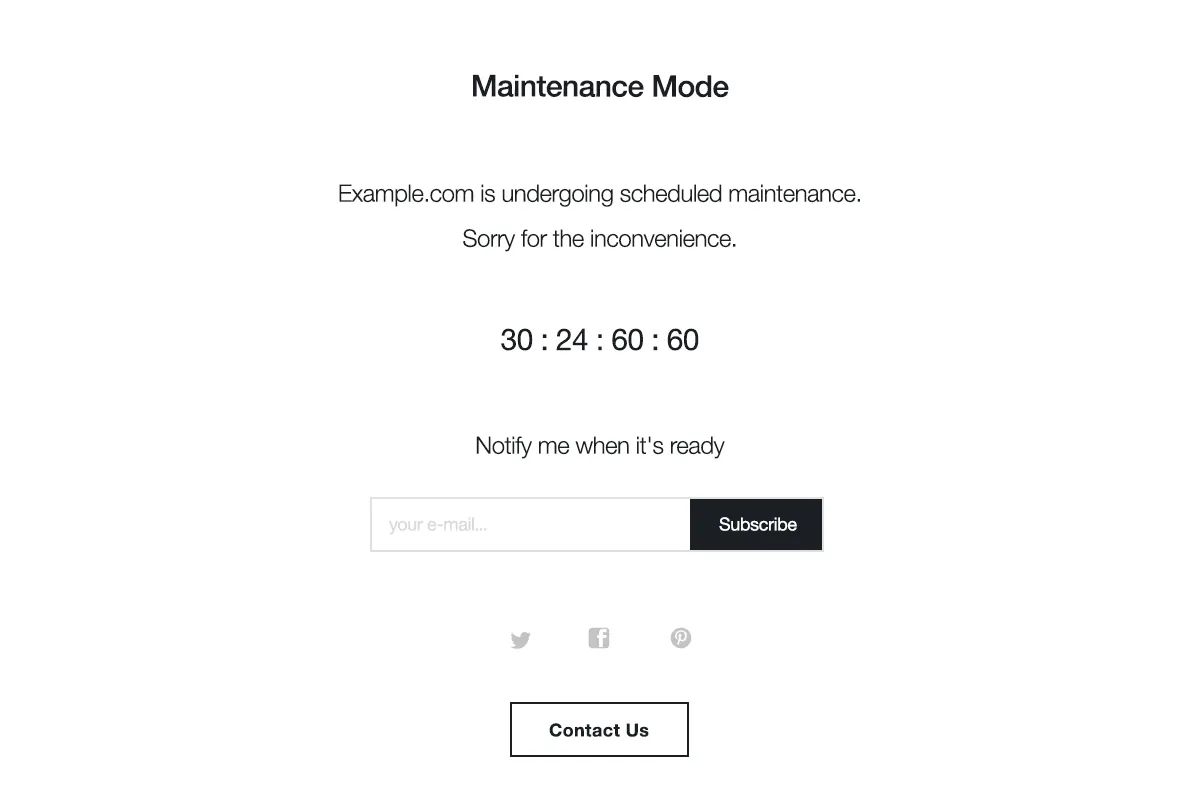
WordPress Stuck in Maintenance Mode: How to Remove the .maintenance File
Your site shows 'Briefly unavailable for scheduled maintenance. Check back in a minute.' and never comes back. Here is the 60-second fix and how to stop it happening again.
 Critical Errors
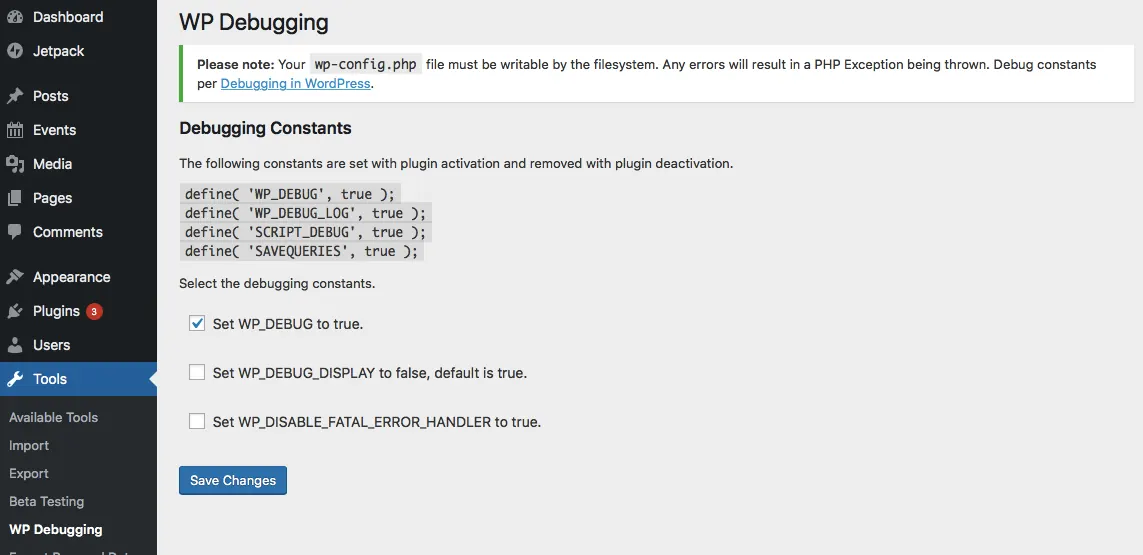
WordPress White Screen of Death: How to Fix the WSOD
The WordPress white screen of death has a handful of real causes. Here is the order I use to fix it on client sites.
 Database
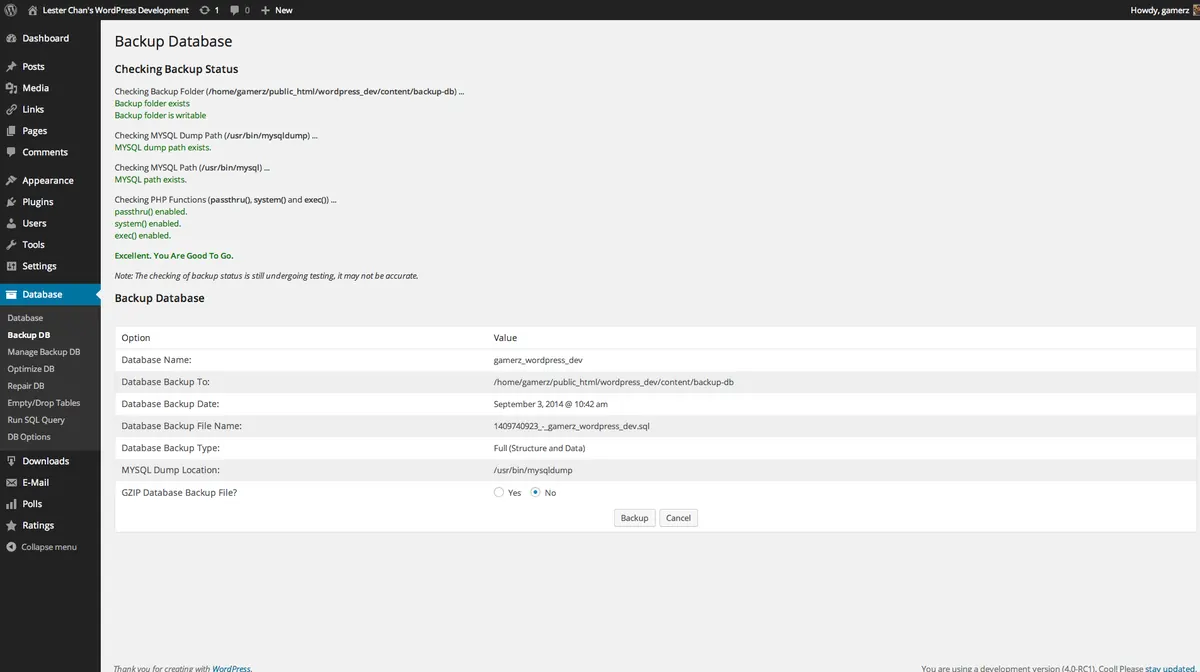
Error Establishing a Database Connection: How to Fix It
Your site can't reach its database. Here's how to find out why and restore service.
 Server Errors
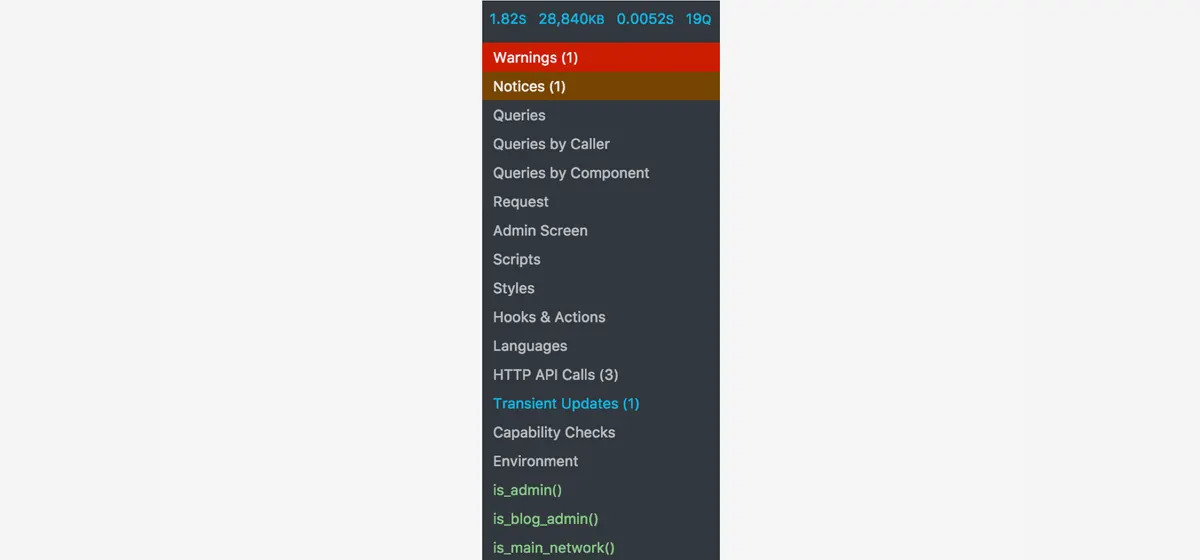
How to Fix the 500 Internal Server Error in WordPress
A 500 error is generic but the suspects are short. Here is the order I work through on real sites.
 Admin Access
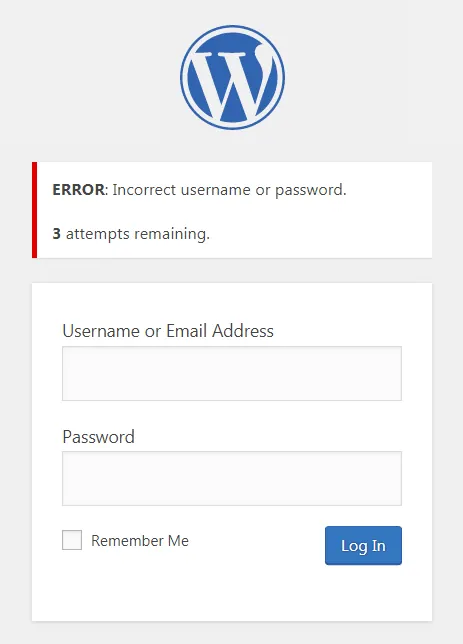
WordPress Login Not Working: How to Get Back In
Right password and the login page still kicks you back? Walk through these checks in order.
 Plugins
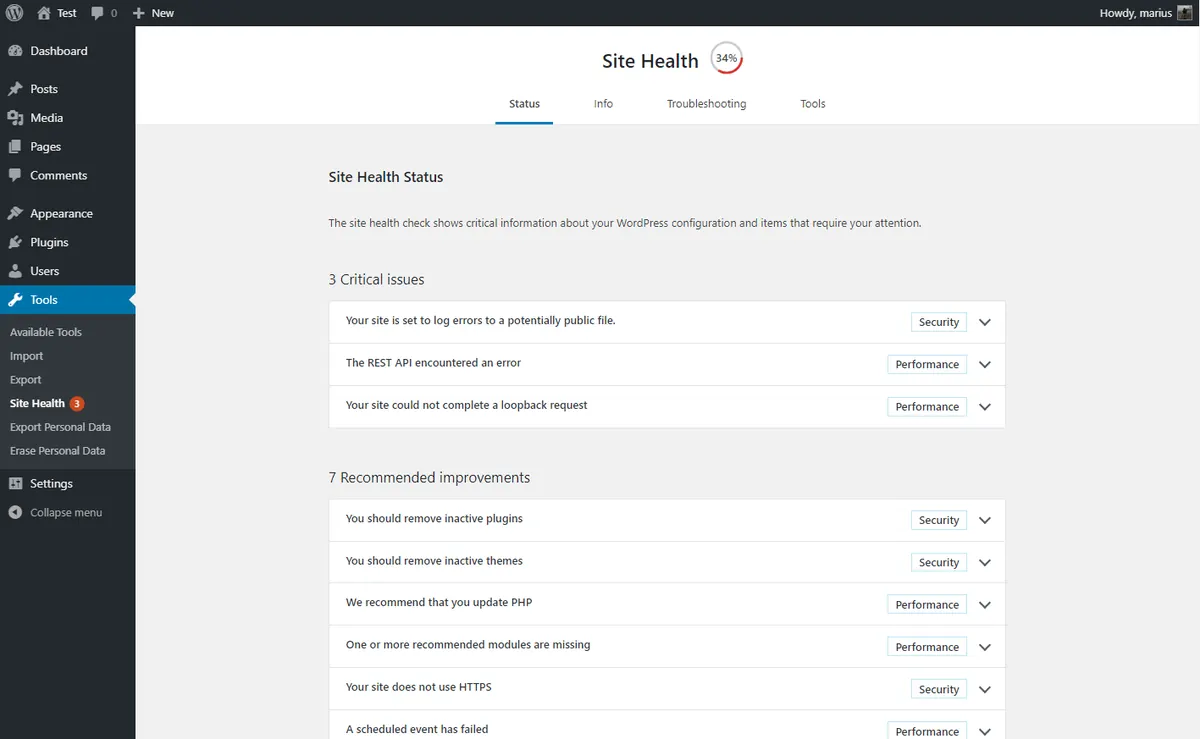
How to Find and Fix Plugin Conflicts in WordPress
A clean way to isolate the broken plugin without taking your live site down for an hour.
 Admin Access
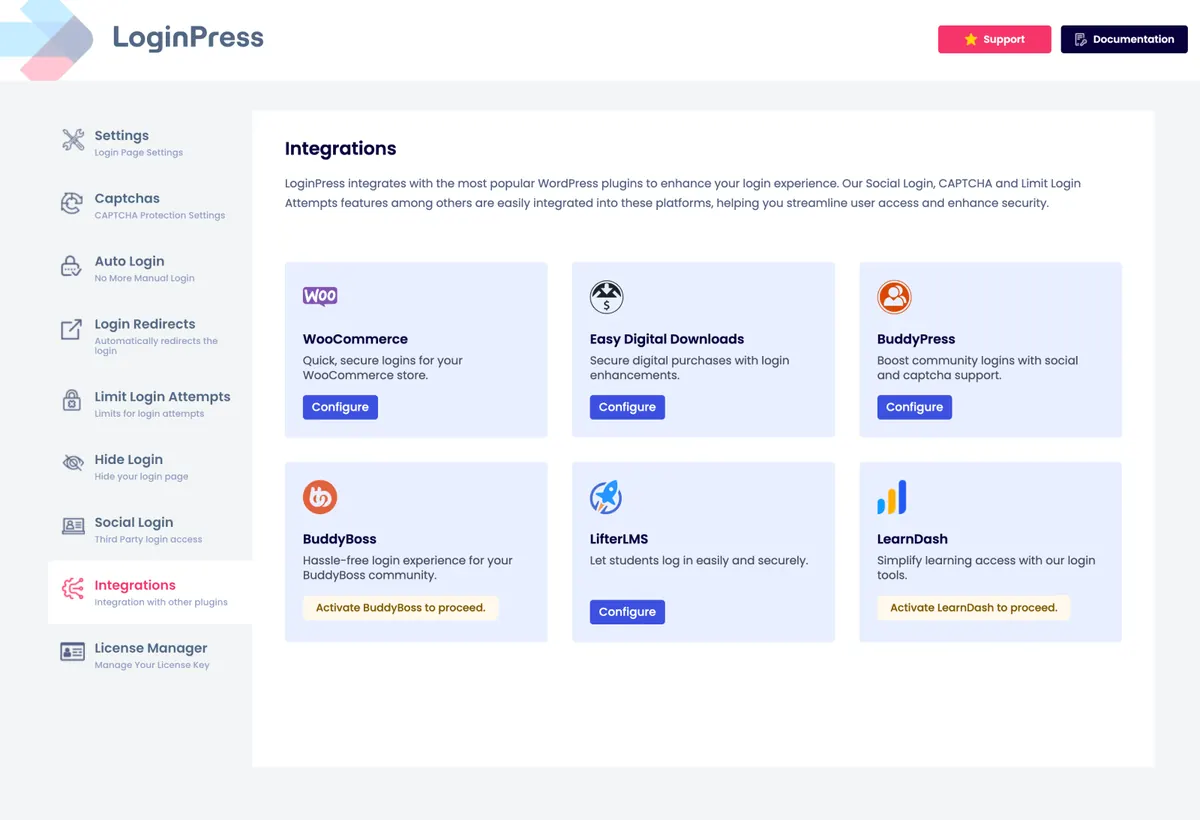
WordPress Admin Not Working: How to Get Back Into wp-admin
Locked out of wp-admin or staring at a blank dashboard? Here is the recovery path I run on every client site.
 Performance
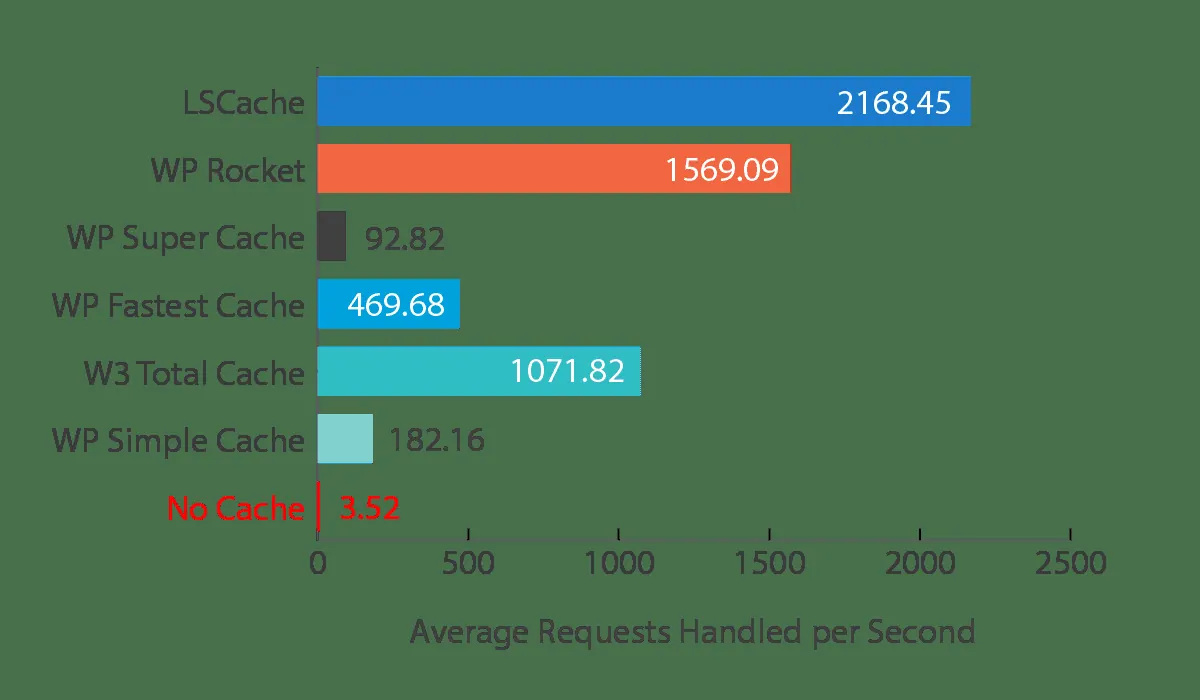
Why Is My WordPress Site So Slow? Real Fixes That Work
Speed fixes I actually use on client sites. No theory, no plugin spam, just the moves that move the needle.
 SSL & Redirects
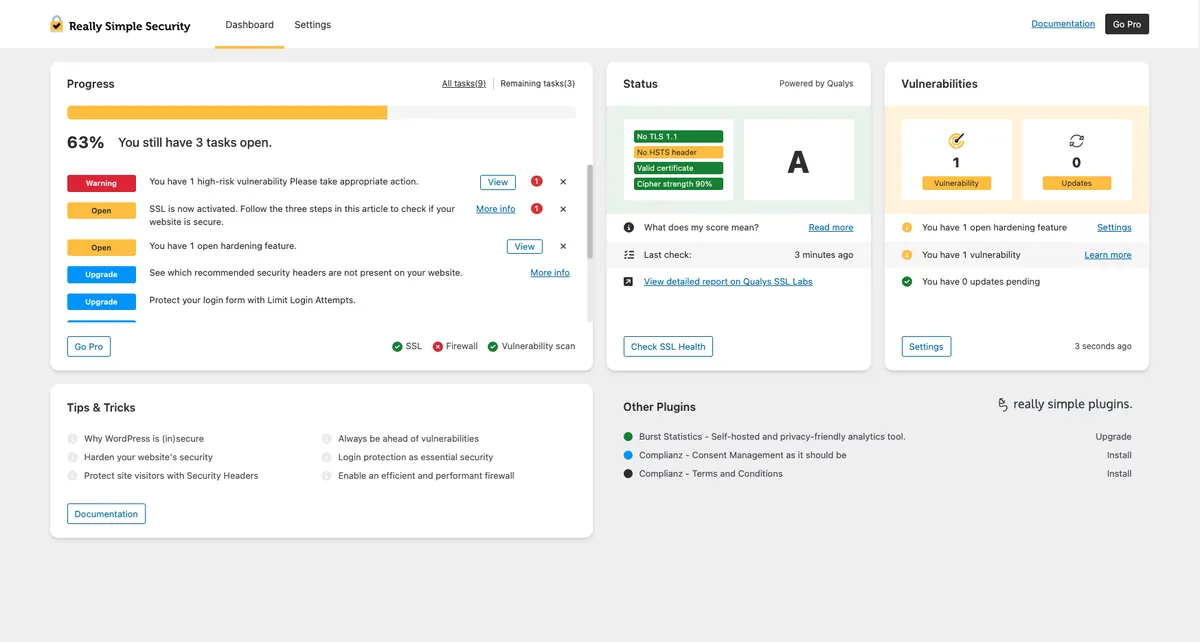
WordPress Too Many Redirects: How to Stop the Loop
ERR_TOO_MANY_REDIRECTS in WordPress almost always traces to two settings. Here is how to find and fix them.
 SSL & Redirects
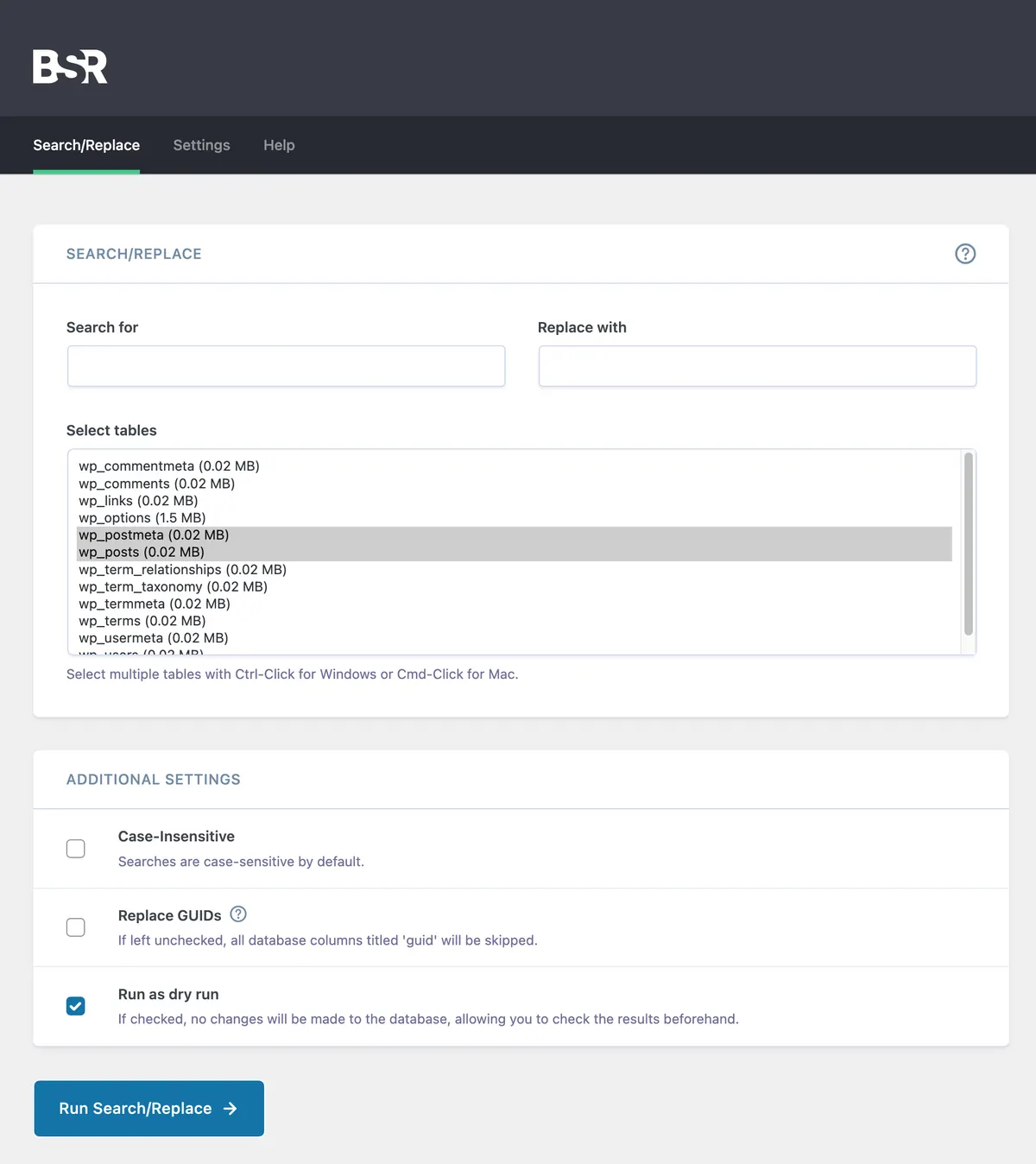
WordPress Mixed Content Warning: How to Fix HTTPS Errors
Get rid of the Not Secure padlock warning and the missing images that come with it after switching to HTTPS.
 Database
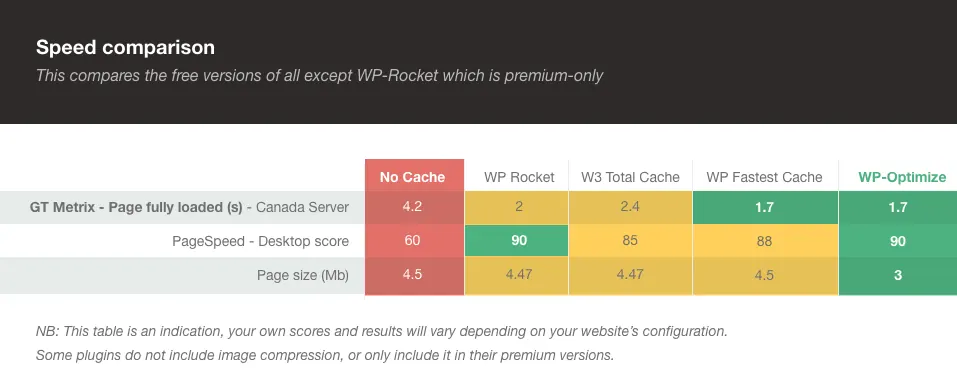
How to Repair a Corrupted WordPress Database
Repair corrupted tables, clean overhead, and get your site back without losing posts or settings.
 Themes
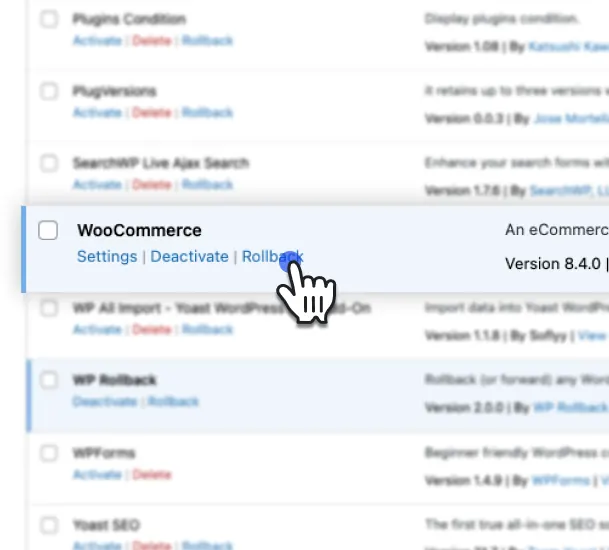
WordPress Theme Broke After an Update: How to Recover It
A theme update wiped your layout or your customizations. Here is how I roll it back without losing content.
 Themes
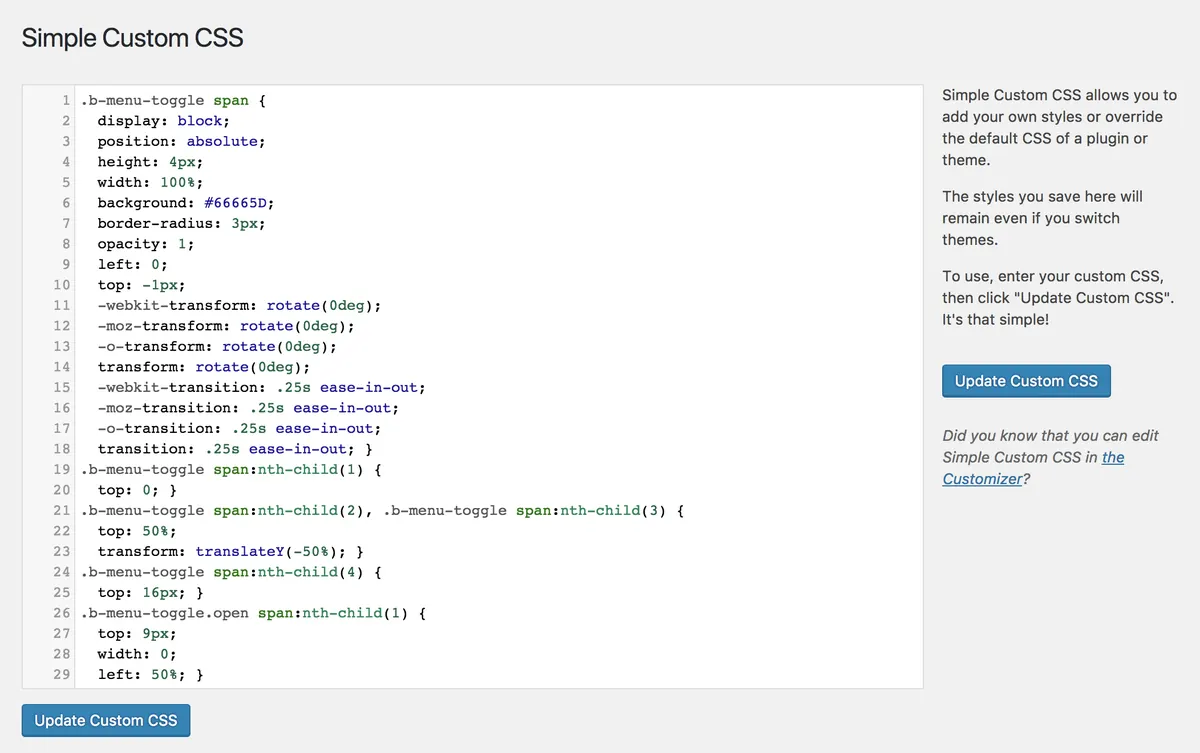
WordPress CSS Broken After an Update: How to Restore It
Site looks like plain HTML from 1998 after an update? It is almost never lost styling. Here is what to check.
Configurationwp-config.php Errors in WordPress and How to Fix Them
Edited wp-config.php and the site went dark? Here is how to undo it and what to watch for next time.
 Security
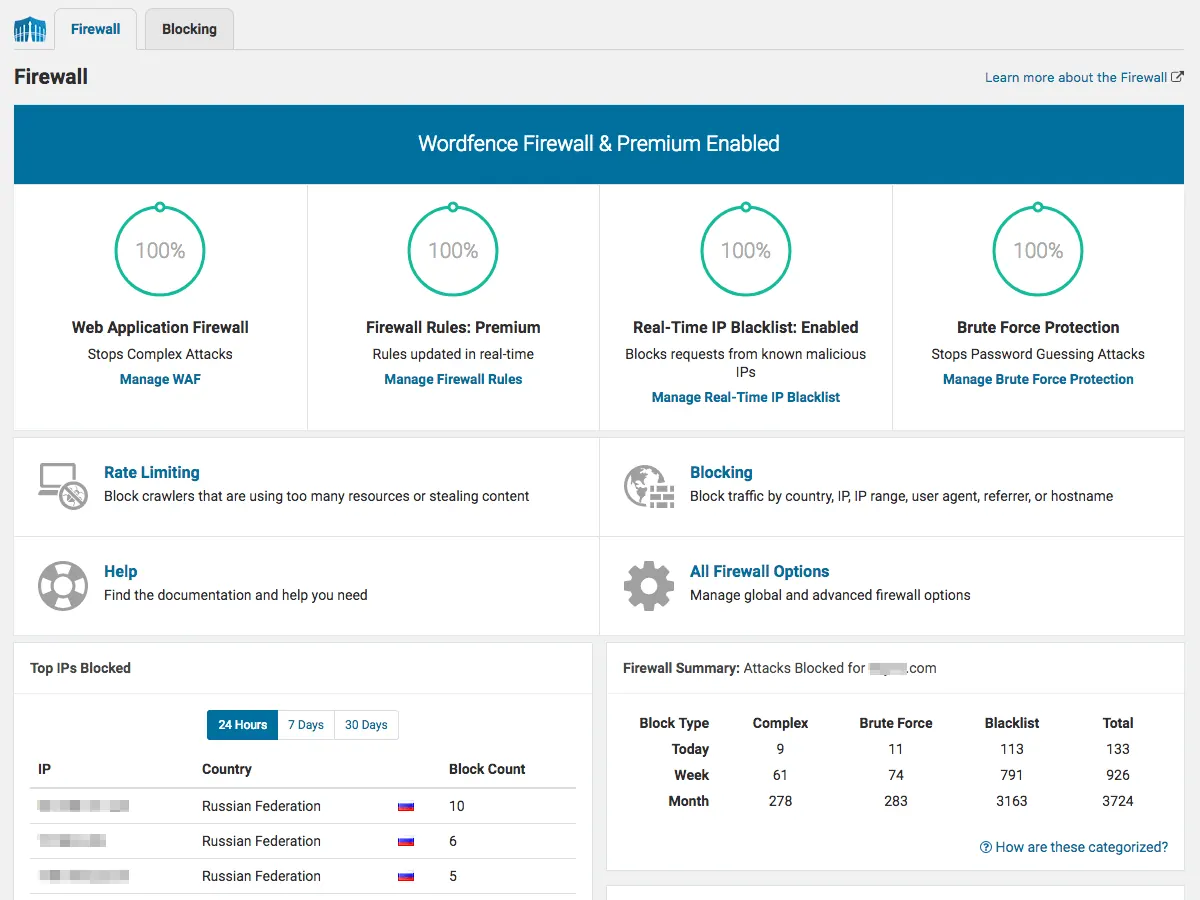
How to Remove Malware From a Hacked WordPress Site
First moves to take when you suspect your WordPress site has been hacked. Stop the bleeding, then clean.
 Recovery
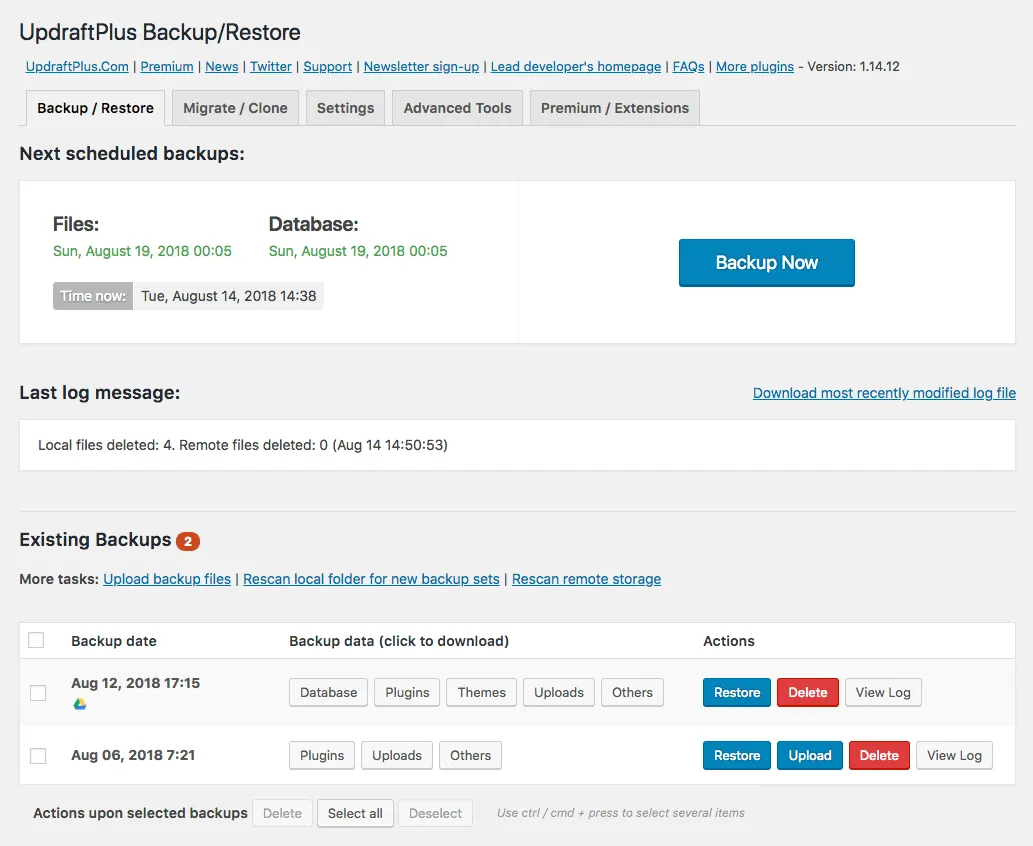
WordPress Site Recovery Without a Backup
No backup? You can still recover most sites, here's how.
 Debugging
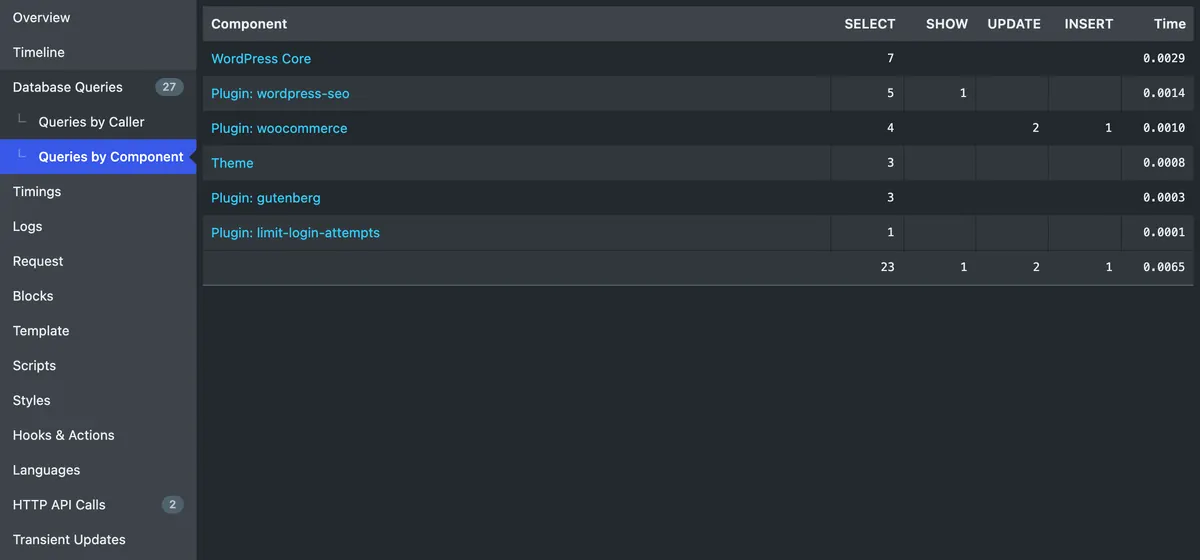
WordPress Error Logs: How to Read debug.log Like an Engineer
A plain-English field guide to the WordPress debug.log file. What every fatal error, warning, and notice actually means, and what to do next.
Critical ErrorsHow to Fix 'There Has Been a Critical Error on This Website' in WordPress
A practical guide to the WordPress 5.2+ 'critical error on this website' message, Recovery Mode emails, and matching the error ID to your debug.log.